AI Agents

AI Appointment Booking on WhatsApp

Learn how to build AI-driven booking systems on WhatsApp, connecting calendar databases to conversational agents, automating updates, and reducing client no-shows.

May 8, 2026 11 min read By Waplix Team
Share:
AI Appointment Booking on WhatsApp

Automate Your Bookings

Managing service appointments, discovery calls, and meetings can consume huge blocks of administrative time. Customers drop off when they are redirected to external scheduling links, while manual coordination via email leads to delays and double-bookings.

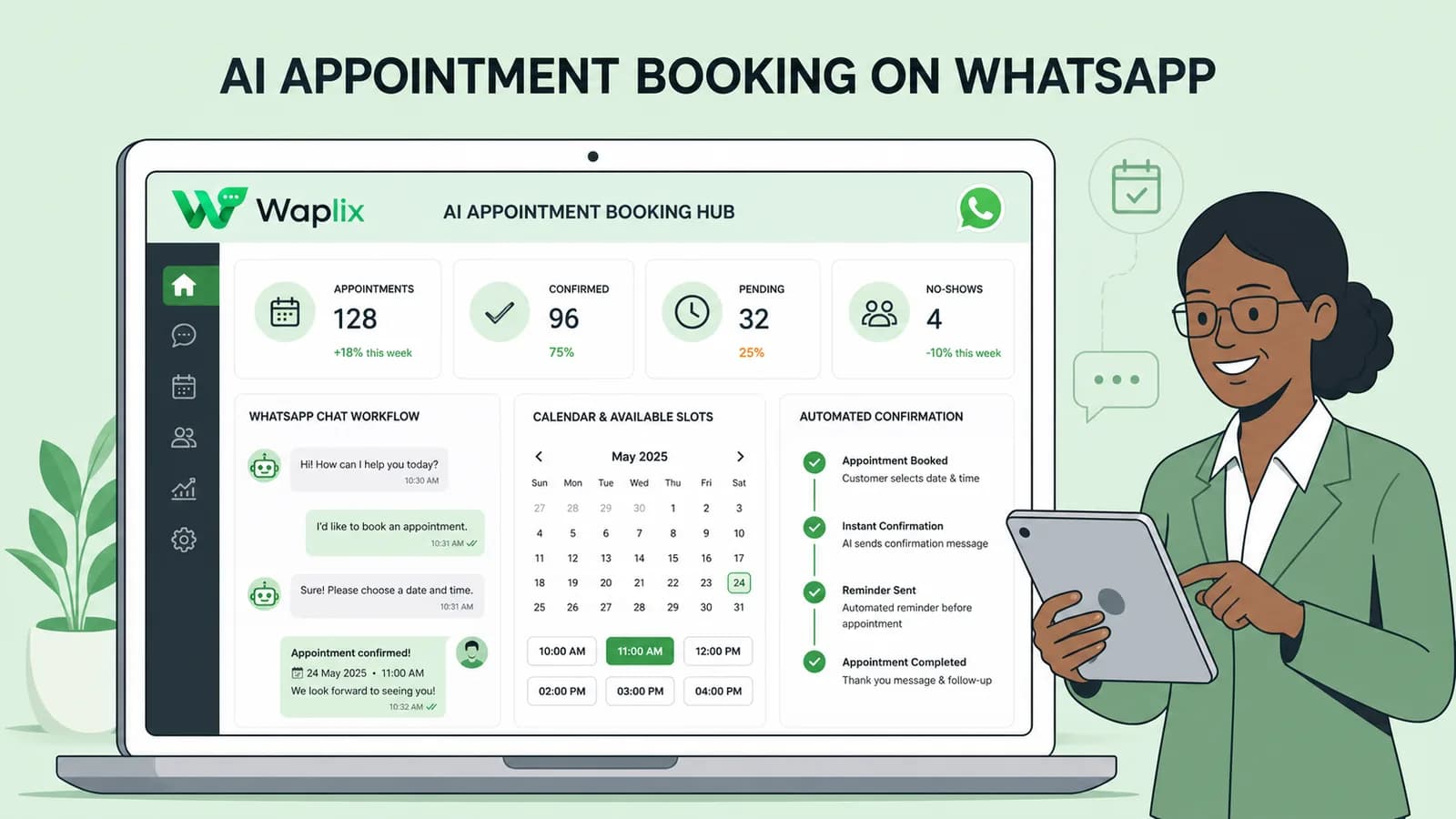
AI appointment booking on WhatsApp removes scheduling friction. Instead of navigating links, clients have a conversational chat. The AI checks database availability, gathers preferences, creates calendar slots, and handles automated follow-up reminders.

Overview: Connecting calendars to WhatsApp allows your business to automate scheduling round-the-clock, reducing booking friction.

Configure calendar links and let AI manage scheduling directly inside WhatsApp conversations with Waplix.

Register Free Webhook Guide
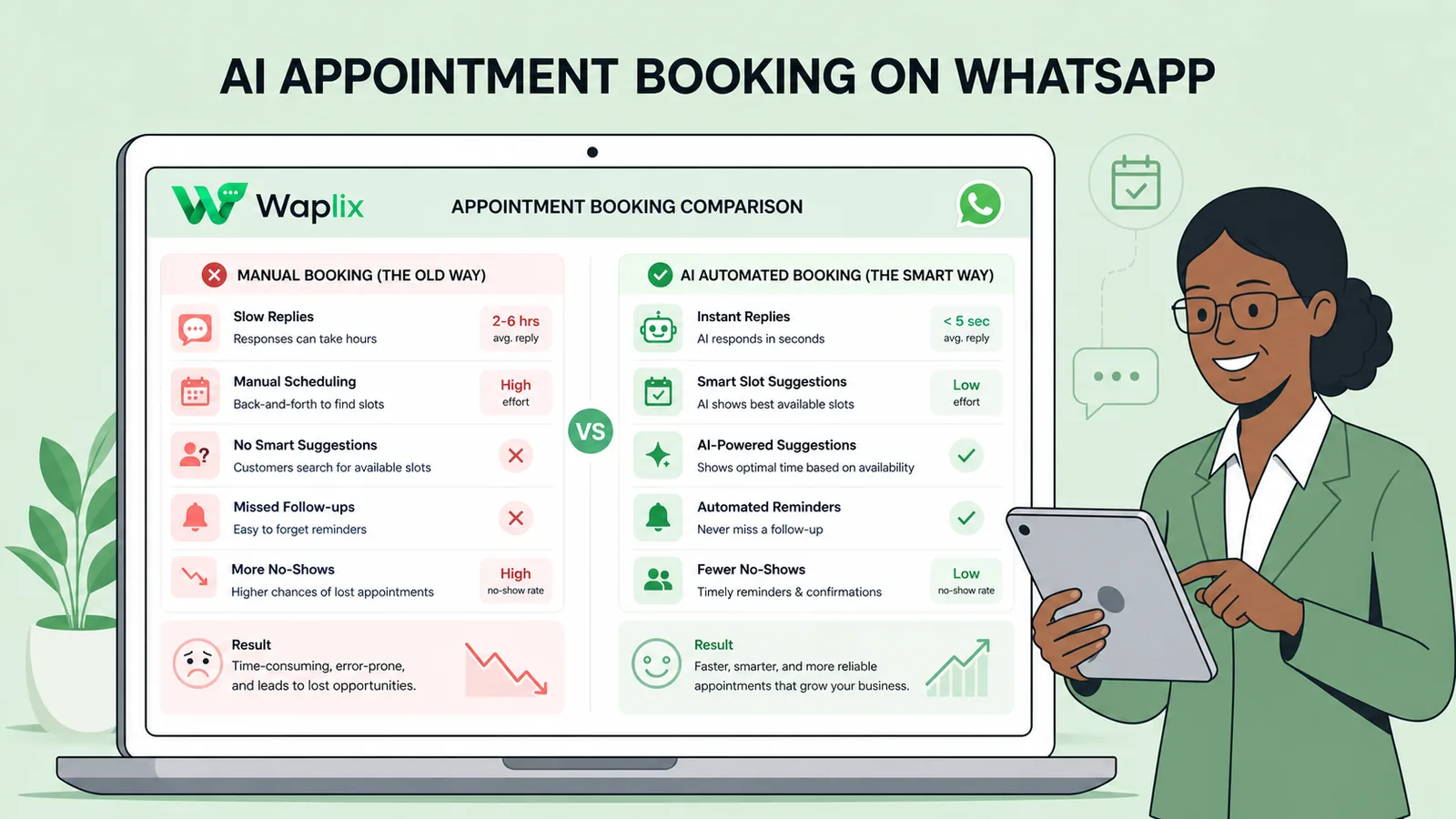
Manual Scheduling vs. AI WhatsApp Booking

Evaluate the difference between legacy booking forms and automated chat-based scheduling.

Criteria Traditional Web Forms AI WhatsApp Booking
Client Flow Redirects to external site (Acuity/Calendly) Interactive chat (completely in-app)
Rescheduling Client searches emails for confirmation link Client texts "Move my booking" to the number
Reminder Channel Emails (low open rates, spam risks) WhatsApp notifications (98% open rates)
Time to Book Several minutes of navigation Under a minute via natural phrases
Payments Integration Separate gateway redirections Stripe link sent directly in chat thread

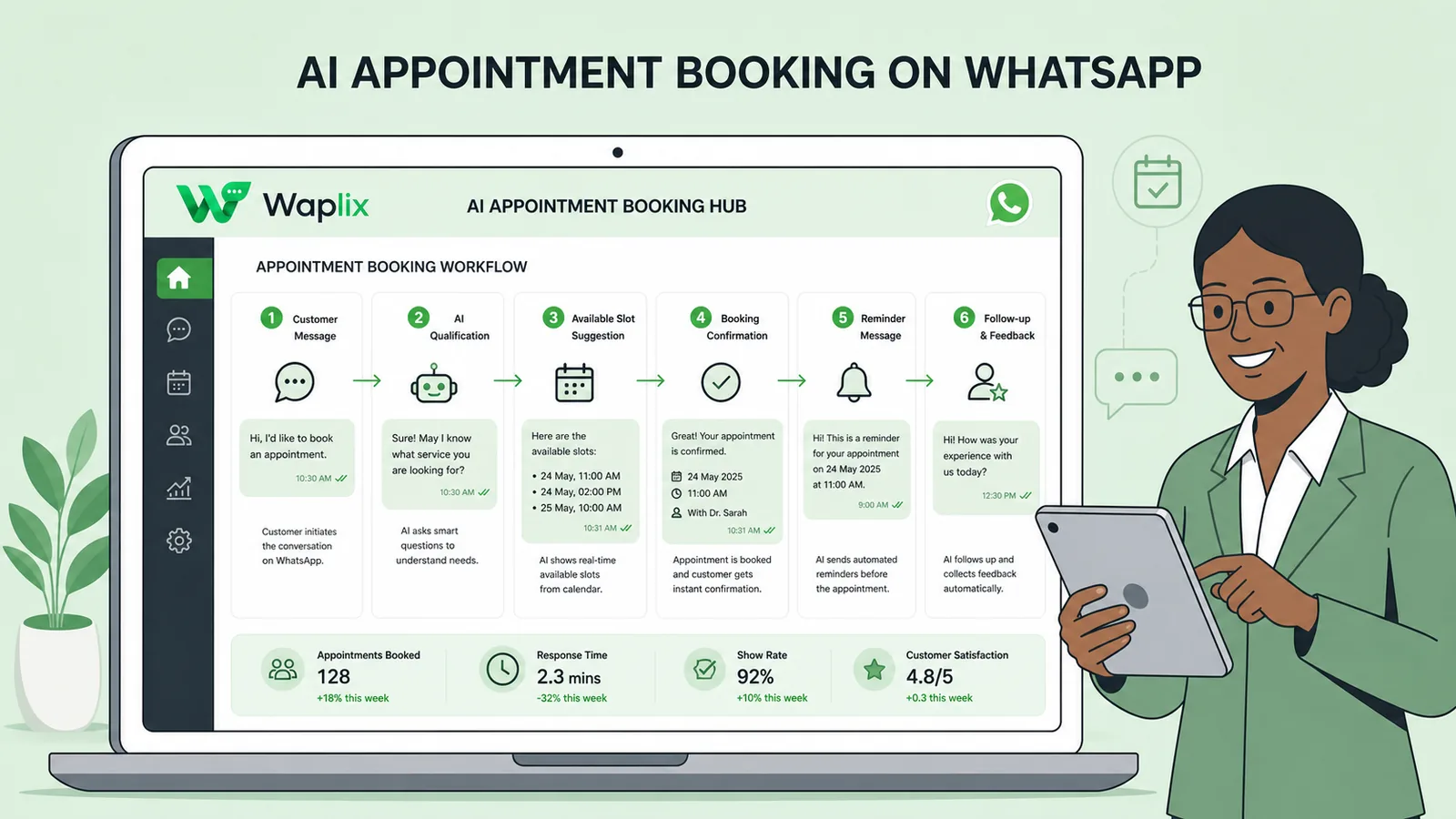
The Appointment Booking Workflow

See how the AI agent processes slot lookups and completes calendar reservations.

01

Detect Booking Intent

Verify that the customer intends to schedule or modify a meeting.

02

Check Availability

Query your calendar API to find open slots matching their preferences.

03

Present Time Options

Offer 2-3 specific options (e.g., "Monday at 10 AM or Tuesday at 2 PM").

04

Register Appointment

Book the chosen slot in Google Calendar/Outlook and log details.

05

Send Confirmation

Dispatch a confirmation message containing booking details and a reschedule policy.

Developer Integration: Calendar Fetch payload

Your backend system can hook into reservation requests to query internal clinic, salon, or sales databases, returning available times as a JSON payload.

POST /api/v1/booking/slots
Authorization: Bearer YOUR_API_KEY
Content-Type: application/json

{
  "agent_id": "ag_99201",
  "requested_date": "2026-07-07",
  "client_timezone": "America/New_York",
  "service_duration_minutes": 30
}

Response:
{
  "date": "2026-07-07",
  "available_slots": [
    {"start": "09:00", "end": "09:30"},
    {"start": "10:30", "end": "11:00"},
    {"start": "14:00", "end": "14:30"}
  ]
}

Consent, Compliance and Timezone Verification

Always verify timezone details before completing a calendar sync. Failing to establish the contact's location can lead to scheduling errors and missed calls. Additionally, ensure compliance with user opt-in requirements for reminders.

Compliance Note: Explicit consent is required to send recurring reminders or notifications. Reminders must contain an opt-out keyword.

Scheduling Automation on Waplix

Waplix provides robust tools to connect your calendars, run reservation logic, and trigger automated reminders.

Waplix Calendar Integrations Settings

Connect Google Workspace, Calendly, or custom booking systems.

Manage connected calendar accounts and sync parameters.
Conversational Booking Rules Engine

Define custom agent instructions for appointments, buffers, and session limits.

Setup booking rules, timezone settings, and fallback criteria.
Reminder Alerts Dashboard

Schedule outbound booking notifications, template confirmations, and reviews.

Establish automated message rules for upcoming meetings.

Conclusion

AI appointment booking on WhatsApp increases schedule efficiency by removing steps from the booking journey. Connecting booking systems directly to chat interfaces boosts booking numbers and lowers no-show rates. When designing your system, ensure you support rescheduling paths and proper timezone lookups.

Automate Your Calendar Today

Launch conversational booking bots, manage reminders, and grow your client base with Waplix.

Start for Free Talk to Sales

Frequently Asked Questions

A client sends a message expressing intent to book a meeting or service. The AI agent asks for their preferred date, time, and service type, queries your connected scheduling database (like Google Calendar or Calendly), and confirms the booking details inside the conversation.

Yes. By parsing client requests (e.g., "Move my meeting to Friday"), the AI agent checks availability for the new time, updates the calendar record, and sends a booking update confirmation.

You can connect tools like Google Calendar, Microsoft Outlook, Calendly, Acuity, or proprietary booking platforms via our API endpoints or custom webhook integrations.

Yes. Waplix allows you to schedule outbound reminder messages (e.g., 24 hours and 1 hour before), reducing client no-shows.

If a requested time slot is unavailable, the AI agent pulls the next three available slots from the API database and asks the user to pick one.

Yes. You can configure the AI agent to generate a Stripe payment link and confirm the calendar booking only after checkout is completed.

Related Guides & Insights

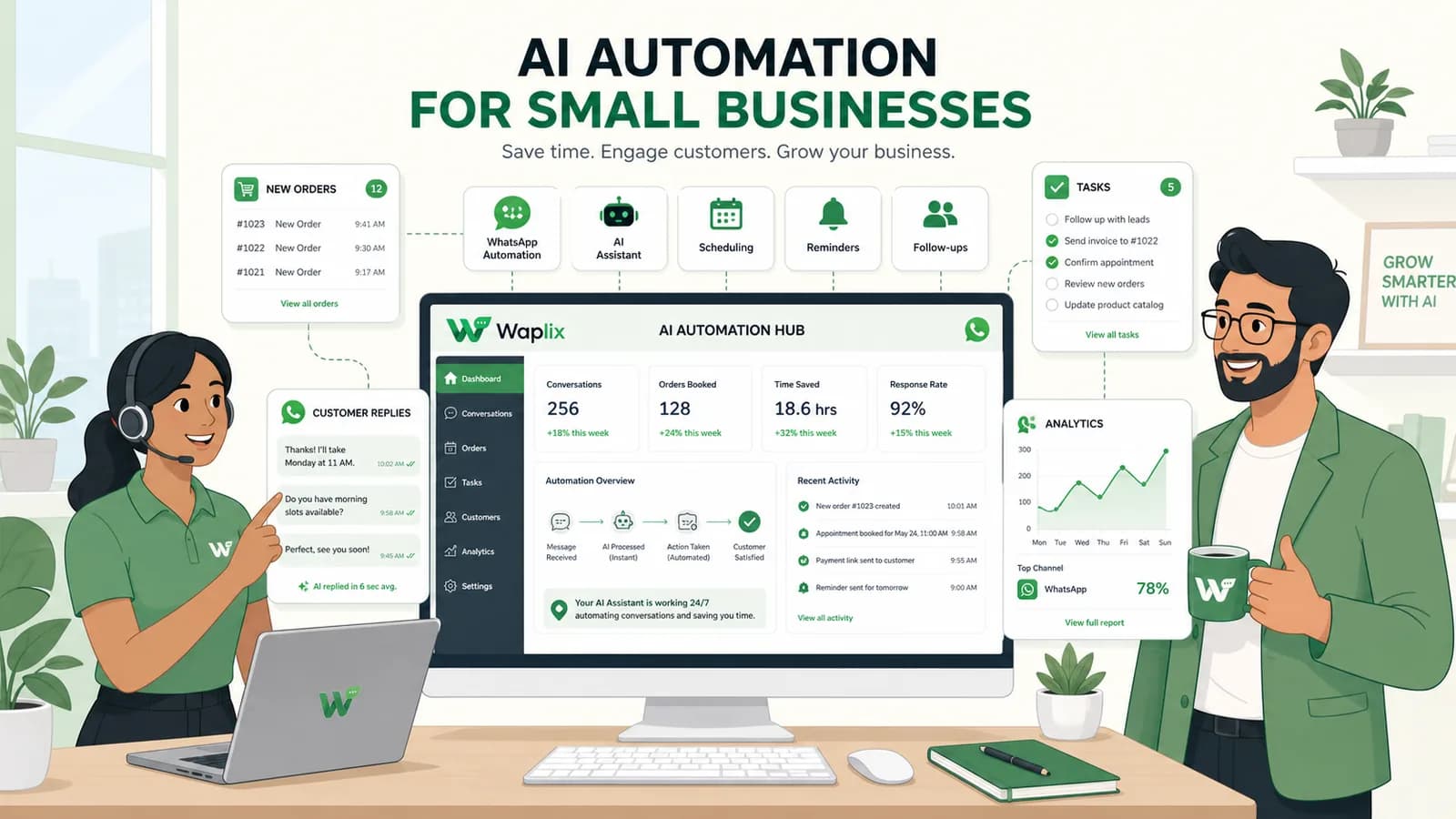
AI Automation for Small Businesses
AI Agents

AI Automation for Small Businesses

Discover practical ways small businesses can leverage no-code AI automation on WhatsApp to manage customer conversations, qualify prospects, and coordinate bookings 24/7.

Read Article
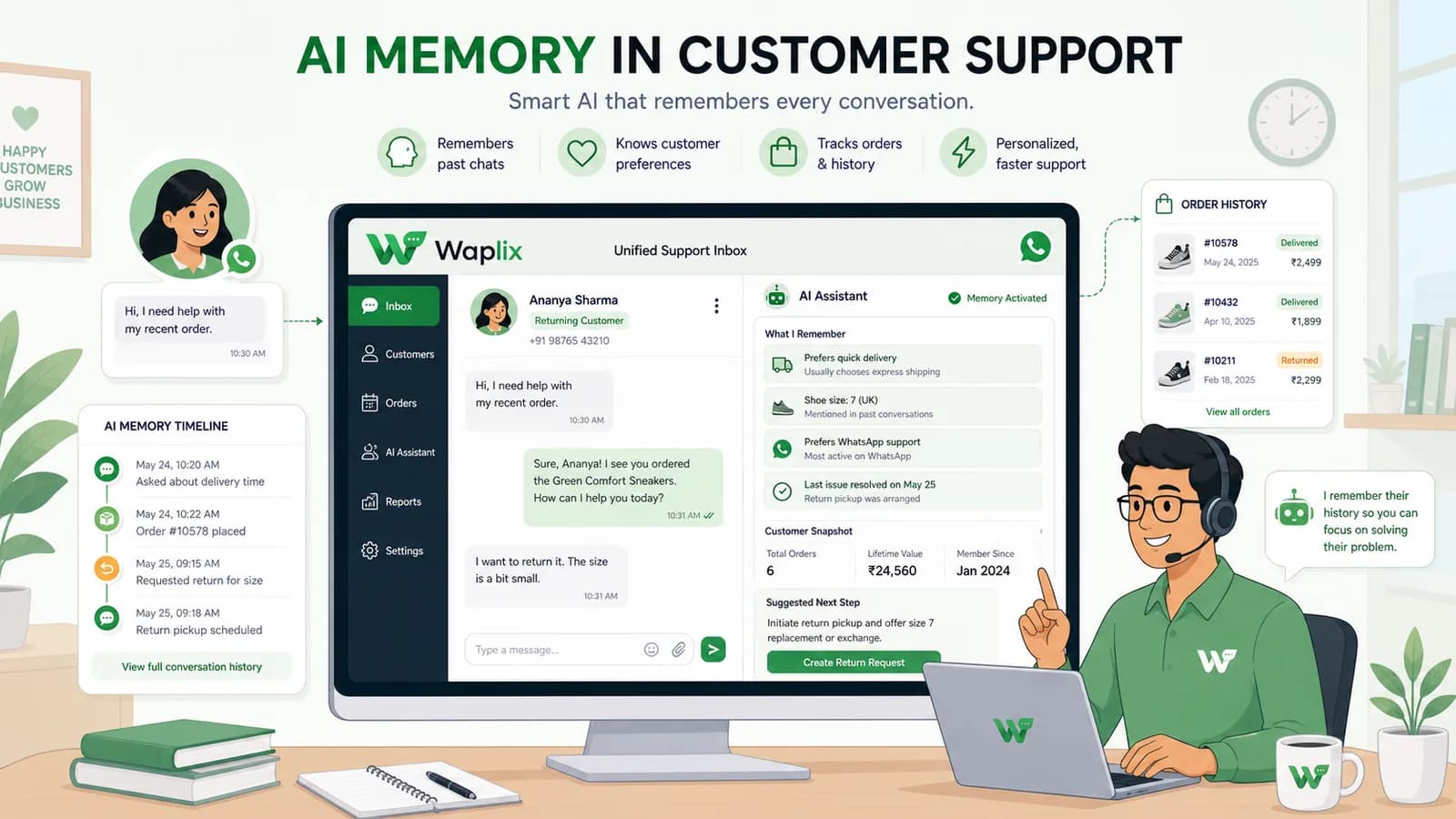
AI Memory in Customer Support
AI Agents

AI Memory in Customer Support

Explore the technology behind AI memory and context retention, learning how session databases personalization results in better, trust-filled client interactions.

Read Article
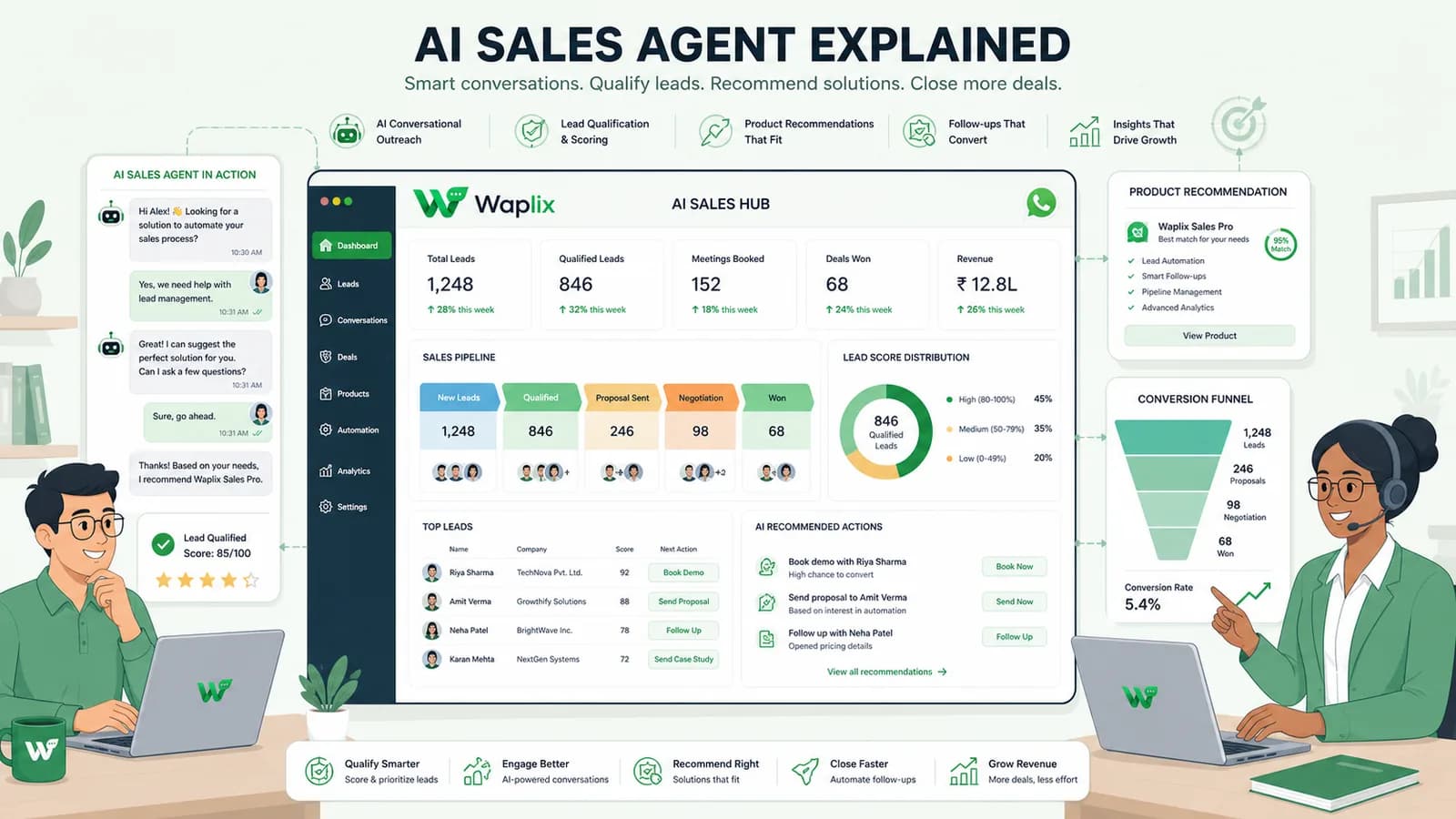
AI Sales Agent Explained
AI Agents

AI Sales Agent Explained

Explore how AI sales agents work on WhatsApp. Learn to configure conversational bots that pitch products, handle objections, and generate payment checkouts seamlessly.

Read Article