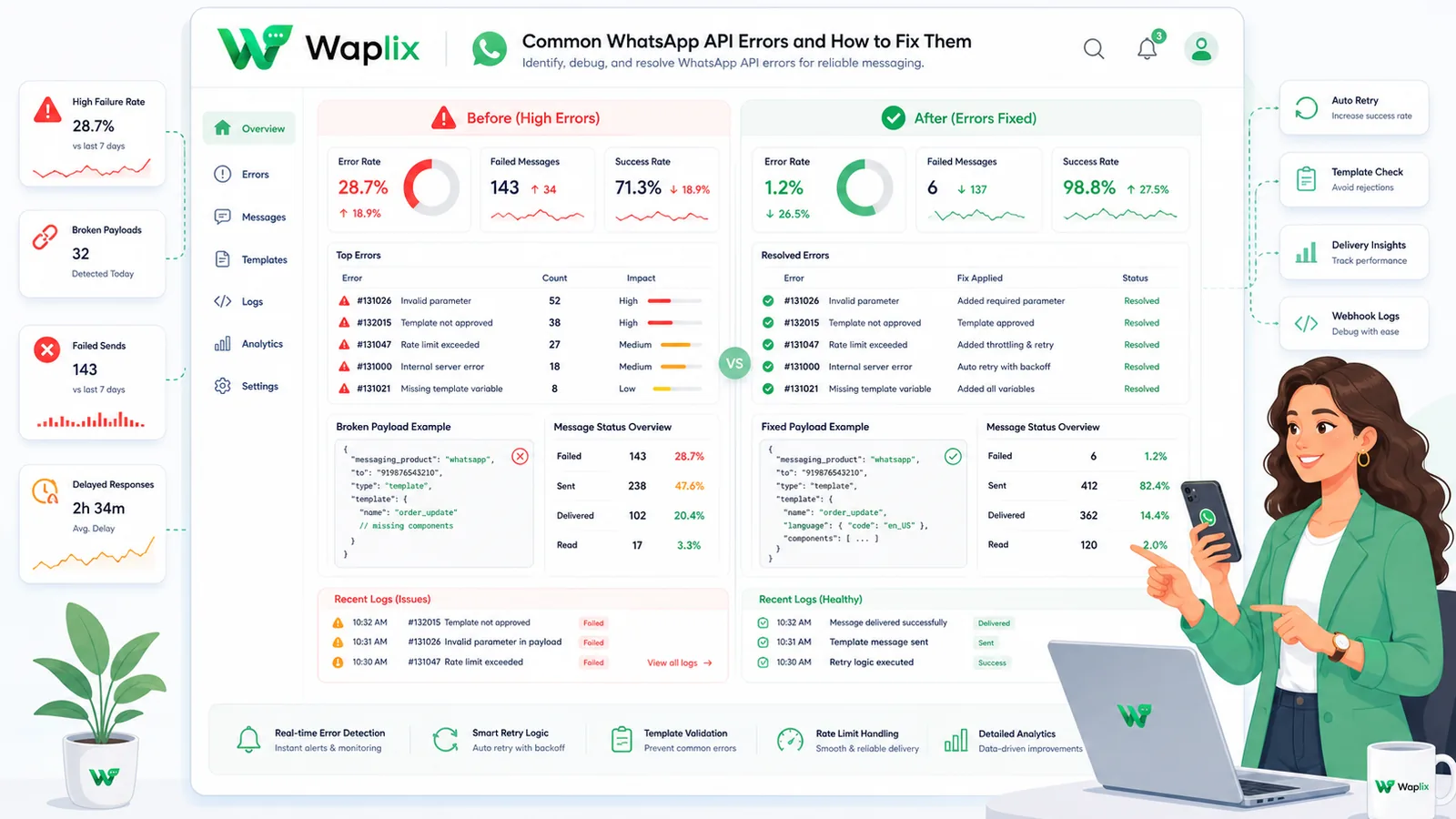
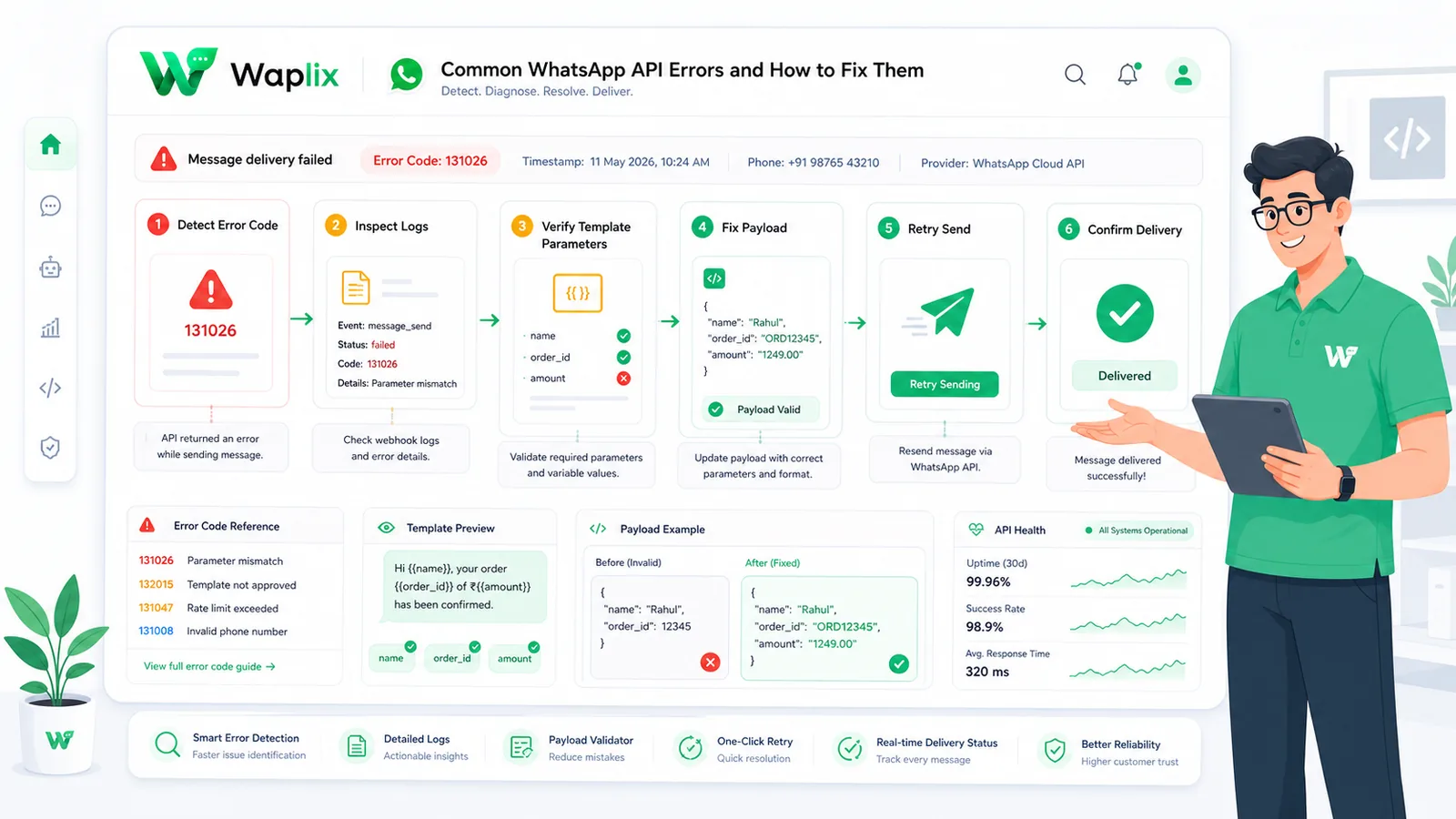
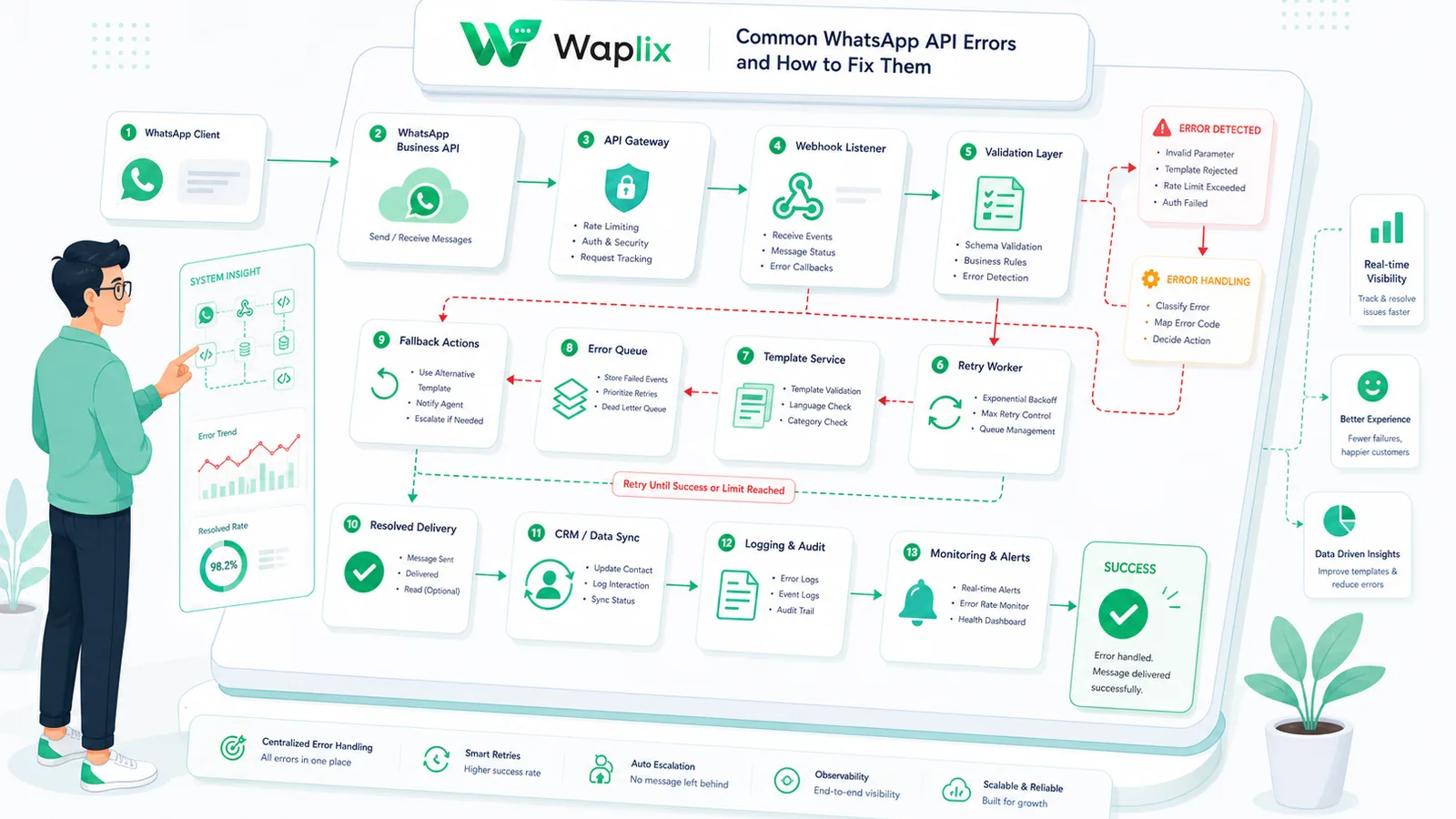
Building integrations requires dealing with errors. Because the WhatsApp Business API operates as a secure gateway, small syntax errors, outdated tokens, or formatting mismatches will cause Meta's servers to reject your payloads. If your system fails to log these errors, integration issues can remain hidden.
Debugging requires understanding Meta's error payload structure, which includes HTTP status codes, error codes, and error subcodes. Correctly identifying these codes is key to resolving token issues, fixing parameter mismatches, and managing throughput limits.
In this guide, we will examine the most common WhatsApp API error codes. We will compare error categories, outline the debugging pipeline, share production-ready developer code, and explain compliance rules.
Access structured error logs, inspect payload histories, and test retry rules from our developer console.
Create your free developer account See Waplix features