AI Agents

How AI Is Changing WhatsApp Customer Support

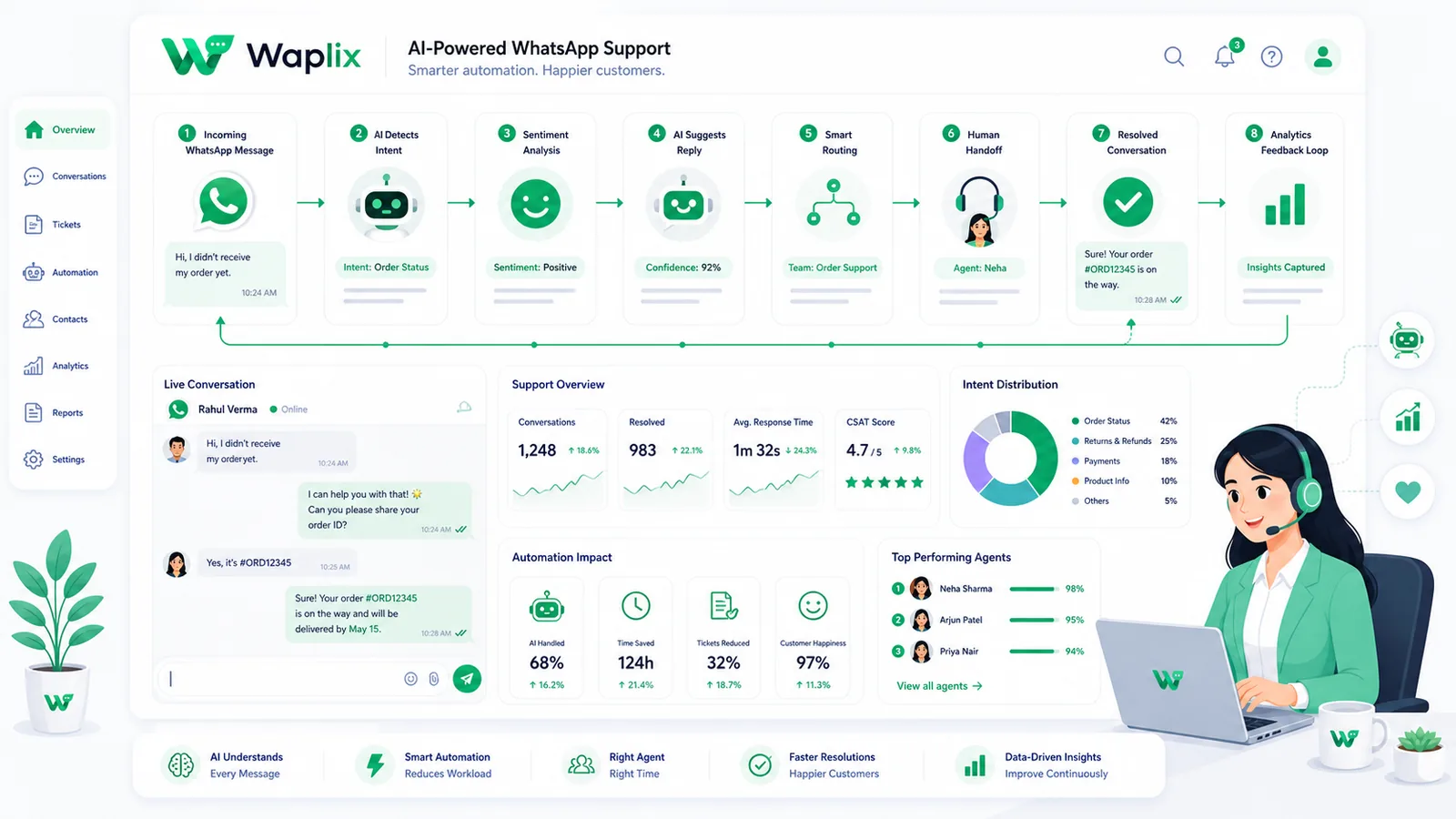
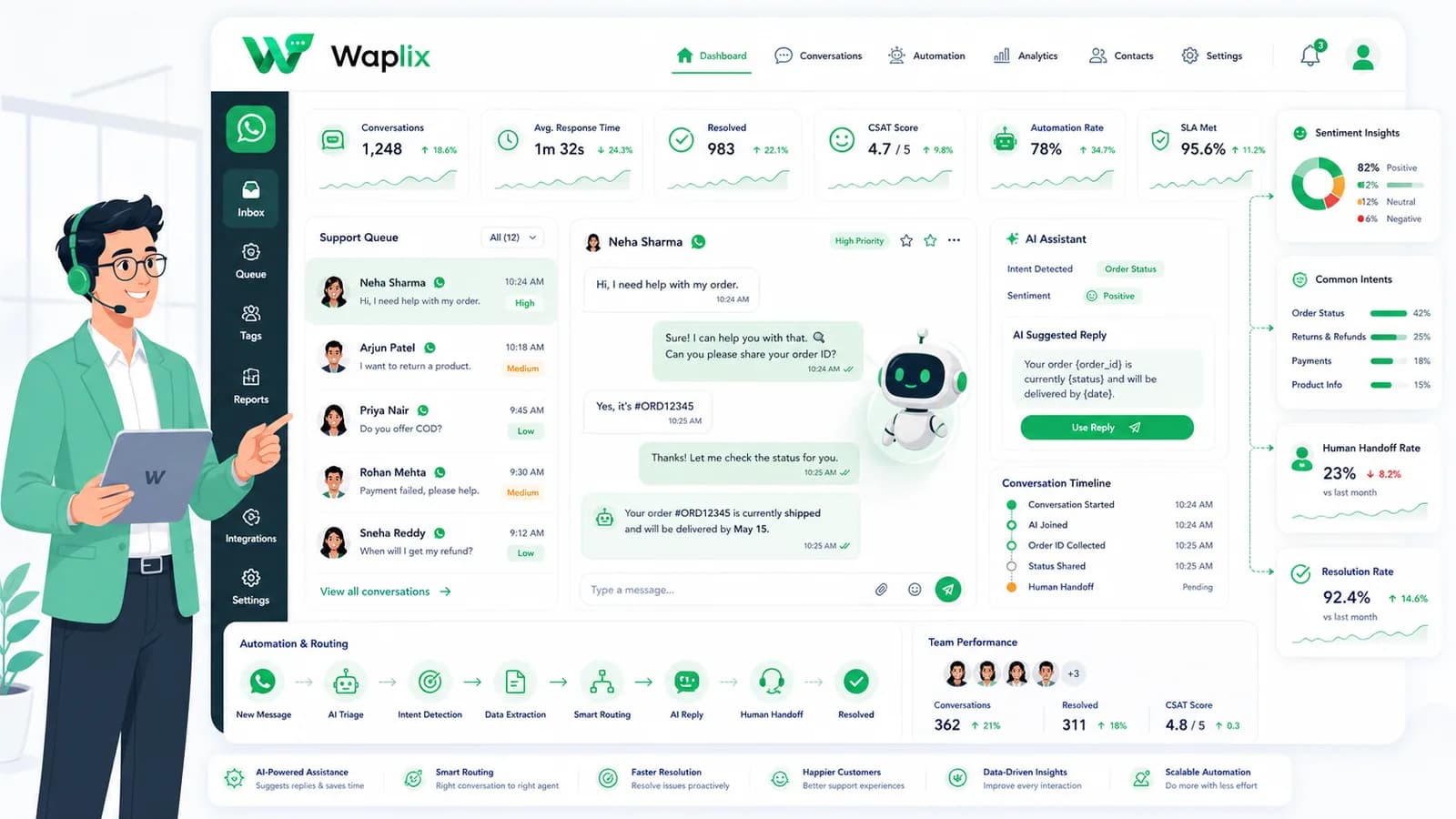
WhatsApp support used to mean one phone, one inbox, and slow replies. AI is changing that by triaging conversations, answering common questions, enriching CRM context, and handing complex cases to humans with better speed and structure.

Aug 27, 2025 14 min read By Waplix Team
Share:
How AI Is Changing WhatsApp Customer Support

Start building with Waplix

Customers expect fast answers on WhatsApp. They do not care whether your team is online, whether three agents are on lunch break, or whether the same question was answered twenty times yesterday.

That pressure is why AI is reshaping WhatsApp customer support. Not by replacing support teams, but by changing what humans spend time on. AI can handle first responses, common questions, routing, and context collection. Humans focus on judgment, empathy, exceptions, and revenue-sensitive conversations.

This guide explains what is actually changing, what works in production, what fails in production, and how to design AI support on WhatsApp without overpromising or trapping customers in bad automation.

Quick answer: AI improves WhatsApp support when it reduces response time for common questions, routes complex cases to humans quickly, and uses a strong knowledge base. It fails when teams treat it as a replacement for support operations.

Launch AI-assisted WhatsApp support with human handover, inbox workflows, webhooks, CRM context, and analytics from one platform.

Create your free Waplix account Explore AI agent documentation
What WhatsApp support looked like before AI

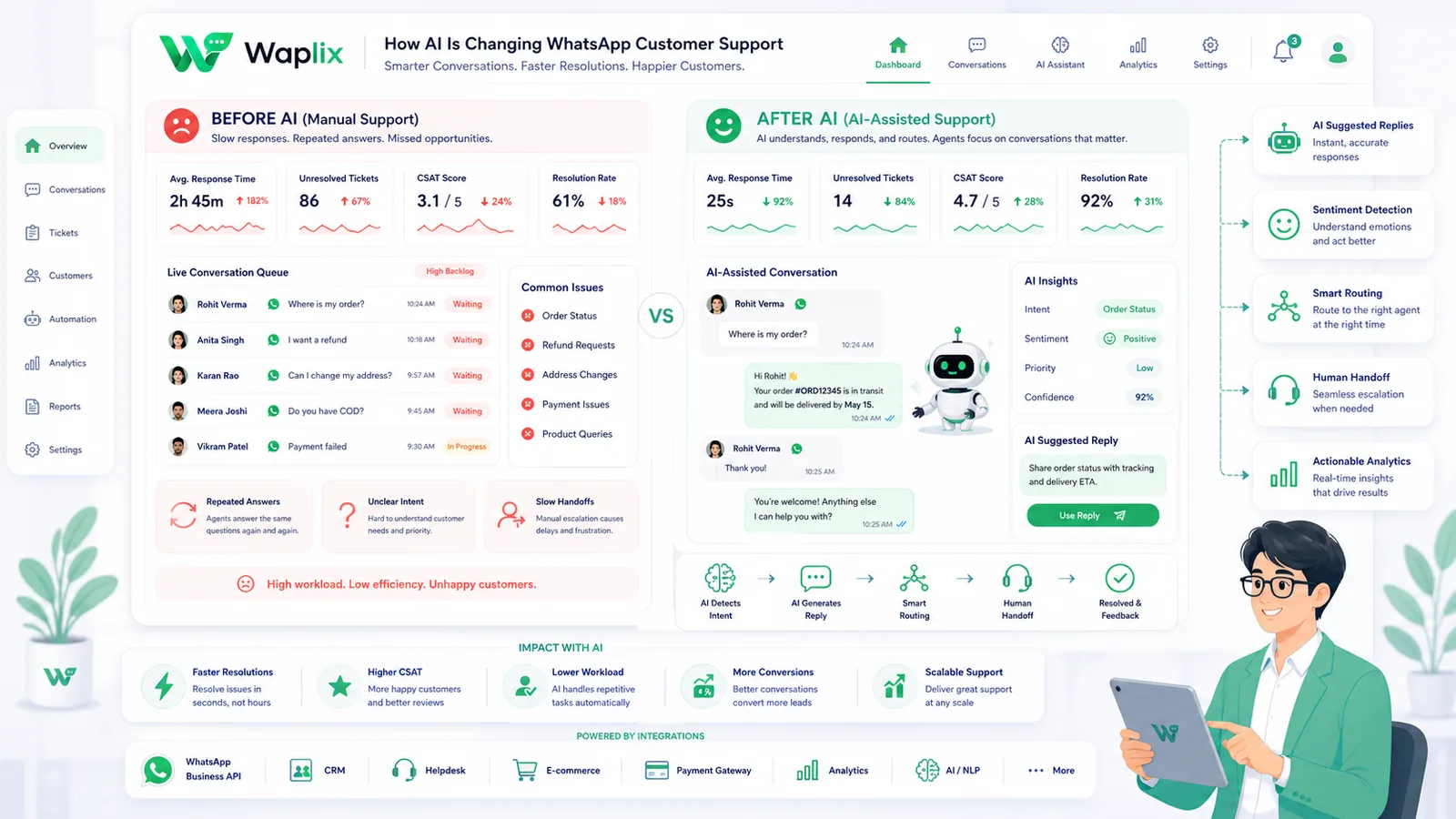
Traditional WhatsApp support often depended on manual workflows: one business phone, a few agents, copied replies, and customer context scattered across spreadsheets or separate systems.

That model breaks quickly as message volume grows. Agents repeat the same answers. Response times slip. Managers cannot see queue health. CRM records fall behind conversations. Customers ask for an update and get a delayed “Let me check.”

AI does not magically fix weak operations. But it can remove repetitive load, improve first-response speed, and create a cleaner path to human handover when the conversation needs a person.

Support areaBefore AIWith AI assistance
First responseDepends on agent availabilityOften immediate for common questions
FAQ handlingManual copy-paste or memoryKnowledge-base-driven replies
RoutingManual assignment or chaosIntent-based triage and escalation
ContextScattered across toolsCRM and conversation history surfaced earlier
Complex casesHandled by humansStill handled by humans, often with better context

Five ways AI is changing WhatsApp support

1. Faster triage

AI can identify intent early: billing issue, order status, sales question, or complaint. That reduces time wasted routing messages manually.

2. Better first responses

Common questions get answered immediately from approved knowledge content instead of waiting in queue.

3. Smarter handover

Agents receive conversation summaries, collected details, and customer context before they reply.

4. More consistent answers

Teams reduce contradictory replies when AI and agents use the same source of truth.

5. Support becomes measurable

AI workflows create data: deflection rate, handover rate, unresolved intents, response time, and content gaps in the knowledge base. That helps managers improve support quality instead of guessing.

Key takeaway

The biggest shift is operational. AI changes how support teams allocate attention, not whether humans are needed at all.

How AI WhatsApp support works in production

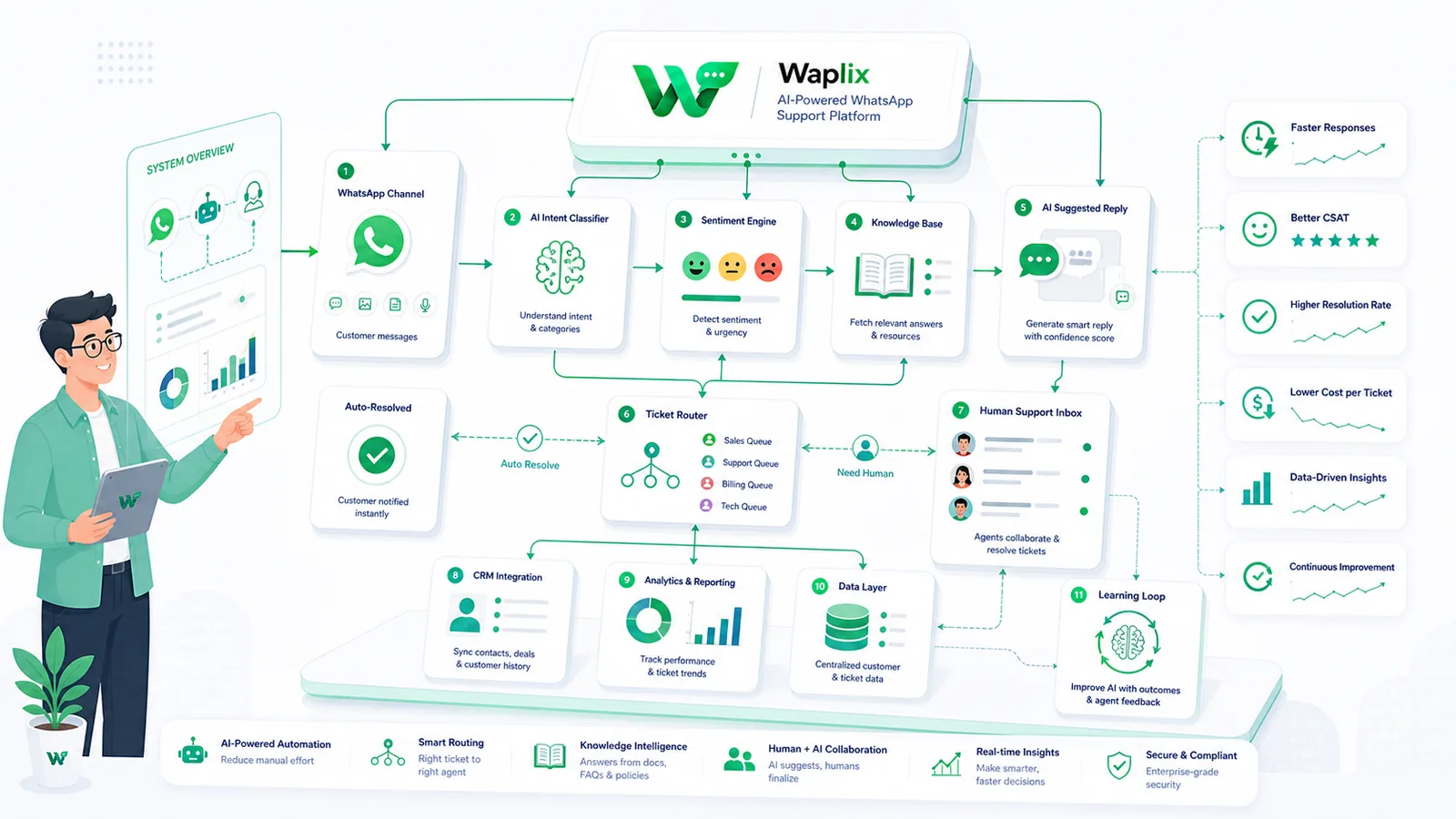
A reliable AI support workflow still follows the same messaging pattern: customer sends a WhatsApp message, your platform receives it, automation or AI processes it, a reply is sent, and webhook events update inbox, CRM, and analytics systems.

The difference is the intelligence layer between inbound message and final response. That layer should decide whether to answer, ask a clarifying question, fetch CRM data, or escalate to a human.

A practical AI support workflow on WhatsApp

The safest way to launch AI support is to design the full conversation path before you turn automation on.

01

Receive the message

Webhook or inbox captures the inbound WhatsApp message and customer identity.

02

Detect intent

AI classifies the request: FAQ, order status, sales, complaint, or unknown.

03

Answer or collect context

Low-risk intents get knowledge-base replies. Complex cases gather details first.

04

Escalate when needed

Route to the right agent with summary, tags, and CRM context attached.

05

Review and improve

Track failed answers, handover spikes, and outdated knowledge content.

Tip: Launch AI support on two or three intents first. “Where is my order?” and “What are your hours?” are better starting points than full conversational autonomy on day one.

Where AI helps most on WhatsApp support

Use caseAI roleHuman role
Order trackingFetch status and reply instantlyHandle exceptions and damaged orders
FAQ / policy questionsAnswer from knowledge baseHandle ambiguous or emotional cases
Lead qualificationAsk screening questionsClose high-value sales conversations
Appointment schedulingCollect date, time, and preferencesResolve conflicts and special requests
ComplaintsAcknowledge and collect detailsDe-escalate and decide resolution

Developer view: messages, webhooks, and AI routing

Developers usually connect AI support to WhatsApp through inbound webhooks and outbound message APIs. The AI layer sits in your application logic or platform workflow engine.

Inbound webhook example

{
  "event": "message.received",
  "message_id": "msg_441902",
  "from": "+15551234567",
  "timestamp": "2026-07-06T09:12:00Z",
  "text": "Where is my order ORD-9182?"
}

Automated reply example

POST /api/v1/messages/send
Authorization: Bearer YOUR_API_KEY
Content-Type: application/json

{
  "to": "+15551234567",
  "type": "text",
  "message": "Your order ORD-9182 is out for delivery today. Reply HUMAN if you need an agent."
}

Handover event example

{
  "event": "support.handover",
  "conversation_id": "conv_8821",
  "reason": "customer_requested_human",
  "summary": "Customer asked about delayed order ORD-9182.",
  "priority": "high"
}
Authentication note: AI support systems must protect API credentials, log webhook events, and handle retries safely. Production workflows should never expose keys in client apps or unsupported third-party scripts.

See the webhook docs, API docs, and message docs for implementation patterns.

See Waplix features

Combine WhatsApp messaging, AI support agents, inbox routing, CRM context, and webhook automation in one platform.

See Waplix features View webhook docs

Why knowledge base quality matters more than model hype

Many teams ask which AI model to use before asking what the AI should know. That is backwards. WhatsApp support quality depends heavily on the content your AI can access: return policies, shipping rules, product details, service hours, escalation criteria, and approved phrasing.

If the knowledge base is outdated, vague, or incomplete, the AI will answer confidently and incorrectly. Customers notice quickly. Support agents then spend extra time apologizing for automation mistakes.

Treat the knowledge base like a living product. Review it after product changes, policy updates, seasonal campaigns, and repeated failed conversations.

Human handover matters: Always give customers a clear path to a person. AI should reduce wait time, not create a maze.

How Waplix supports AI-powered WhatsApp support

Waplix helps teams combine WhatsApp messaging, AI support agents, shared inbox workflows, CRM context, webhooks, and analytics without building every piece from scratch. That is important because AI support is not only a model—it is an operating system for customer conversations.

With Waplix, support teams can automate common WhatsApp questions, route complex cases to agents, use knowledge-base-driven replies, monitor conversation quality, and improve workflows over time based on real handover and resolution data.

AI support agent

Answer common questions and collect context before escalation.

Shared inbox

Let agents take over with conversation history and customer details visible.

CRM context

Surface order, contact, and pipeline data during support conversations.

Webhook automation

Connect message events to internal tools, routing logic, and analytics.

Waplix AI support agent screenshot placeholder

Replace this with a real Waplix AI support agent screenshot showing knowledge base and escalation settings.

Suggested screenshot: AI agent settings with knowledge base, handover rules, and fallback behavior.
Shared inbox screenshot placeholder

Replace this with a real Waplix shared inbox screenshot showing AI-to-human handover.

Suggested screenshot: inbox view with AI summary and assigned human agent.
Support analytics screenshot placeholder

Replace this with a real Waplix analytics screenshot showing response time and handover metrics.

Suggested screenshot: support analytics with first response time, handover rate, and resolution trends.

Learn more in the AI agent documentation and explore related Waplix pricing for your support volume.

Common AI WhatsApp support mistakes

  • Overpromising autonomy. AI cannot handle every conversation well on day one.
  • No human escape path. Customers should never feel trapped by automation.
  • Weak knowledge content. Outdated policies create wrong answers at scale.
  • Ignoring handover quality. Agents need summary and context, not raw chat dumps only.
  • Measuring deflection only. Track customer satisfaction and complaint rate too.
  • Launching everywhere at once. Start with a few intents and expand carefully.

Best practices for AI WhatsApp support teams

Start narrow

Automate a few high-volume, low-risk intents first.

Design escalation rules

Decide exactly when AI must hand over to a human.

Maintain the knowledge base

Review content after product, pricing, and policy changes.

Review failed chats weekly

Wrong answers reveal process and content gaps quickly.

Best practice: The best AI support experiences feel fast, accurate, and easy to escalate—not clever for their own sake.

Final thoughts

AI is changing WhatsApp customer support because customers expect immediate, accurate, personal help on a channel they already trust. The teams that benefit most are not trying to remove humans. They are using AI to remove delay, repetition, and routing chaos.

Build with strong knowledge content, clear handover, webhook-backed workflows, and honest measurement. That is how AI becomes a support advantage instead of a customer frustration.

Automate WhatsApp communication with Waplix

Launch AI-assisted WhatsApp support with human handover, inbox workflows, CRM context, and production-ready automation.

Create your free Waplix account Talk to Waplix

Frequently Asked Questions

AI is changing WhatsApp support by handling first-response triage, answering common questions from a knowledge base, collecting context before handover, routing complex cases to humans, and helping teams respond faster without replacing the need for real agents on sensitive issues.

Not in most businesses. AI works best for repetitive questions, order-status style requests, qualification, and initial triage. Refunds, complaints, edge cases, emotional situations, and high-value sales conversations still need human judgment and clear escalation paths.

Effectiveness depends on knowledge base quality, clear escalation rules, CRM context, webhook reliability, inbox handover, and ongoing review of failed conversations. AI support fails when teams expect magic without maintaining content, routing, and human backup.

It can be, when customers receive accurate answers, can reach a human when needed, and are not trapped in loops. Transparency, fast handover, and good answer quality matter more than branding the bot as fully human.

Start with high-volume, low-risk tasks such as FAQs, business hours, order tracking, appointment confirmation, product availability, and lead qualification. Expand only after measuring accuracy, handover rate, and customer satisfaction.

For production workflows, yes. Webhooks deliver inbound messages and events to your systems, while APIs send replies and trigger automations. A platform like Waplix combines those pieces with inbox operations, AI routing, and reporting so teams do not have to build everything manually.

Launching automation without human handover, weak knowledge content, or no way to monitor wrong answers. Customers quickly lose trust when the bot repeats itself, gives outdated policy answers, or blocks access to a person.

Waplix combines WhatsApp messaging, AI support agents, shared inbox workflows, CRM context, webhooks, knowledge-base-driven replies, human handover, and analytics in one platform so support teams can automate common conversations while keeping control over complex cases.

Related Guides & Insights

AI Appointment Booking on WhatsApp
AI Agents

AI Appointment Booking on WhatsApp

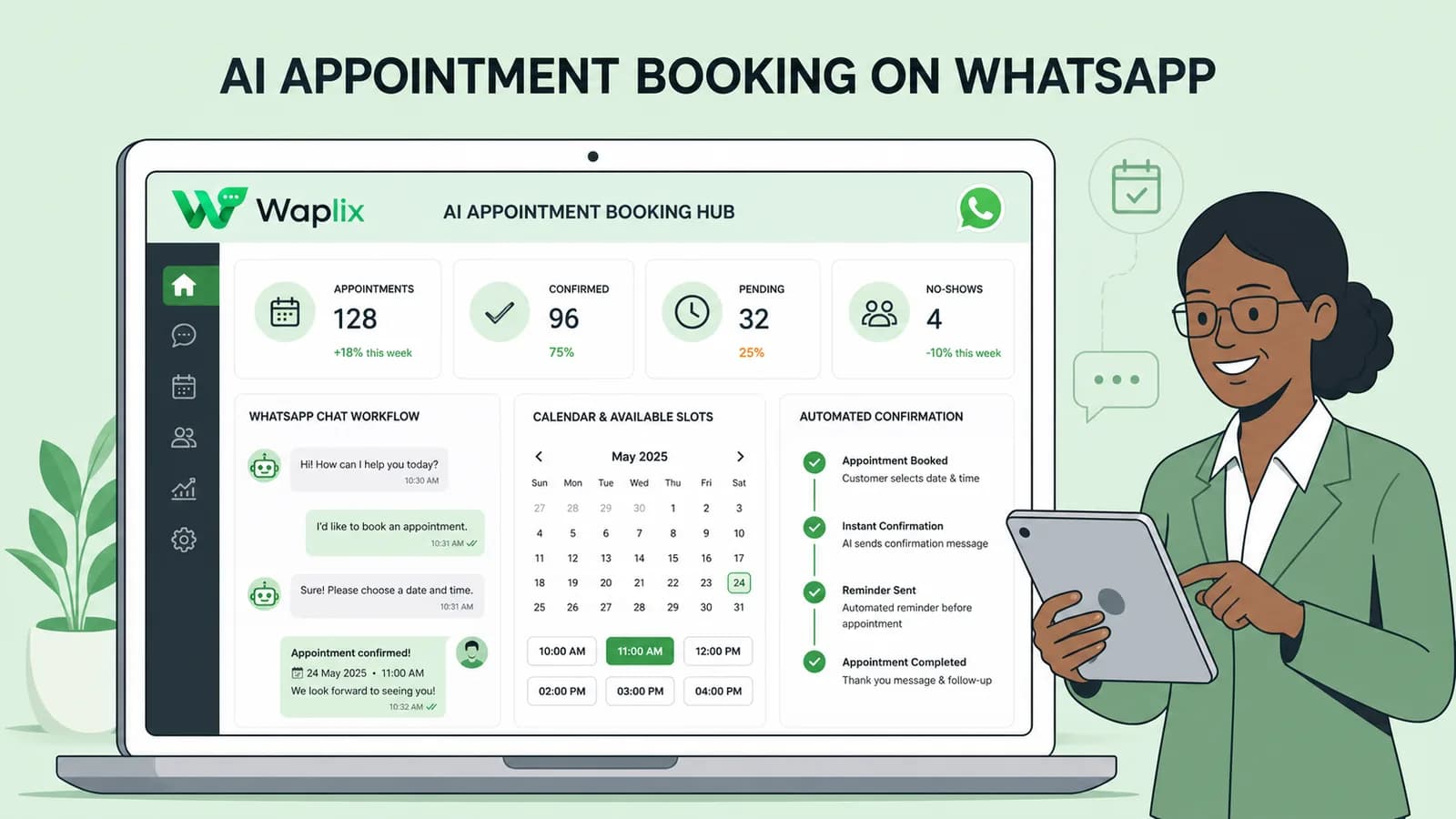
Learn how to build AI-driven booking systems on WhatsApp, connecting calendar databases to conversational agents, automating updates, and reducing client no-shows.

Read Article
AI Automation for Small Businesses
AI Agents

AI Automation for Small Businesses

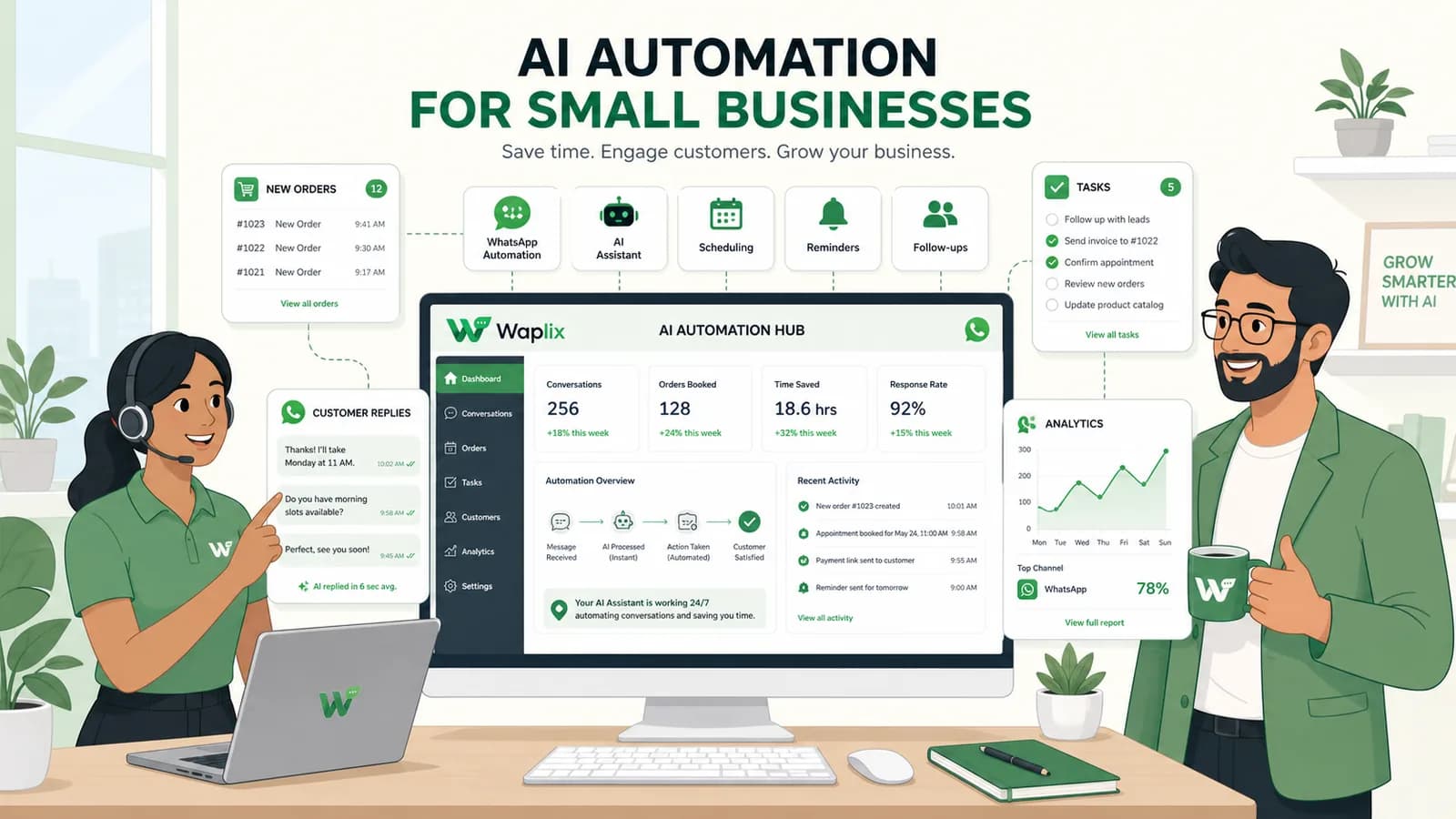
Discover practical ways small businesses can leverage no-code AI automation on WhatsApp to manage customer conversations, qualify prospects, and coordinate bookings 24/7.

Read Article
AI Memory in Customer Support
AI Agents

AI Memory in Customer Support

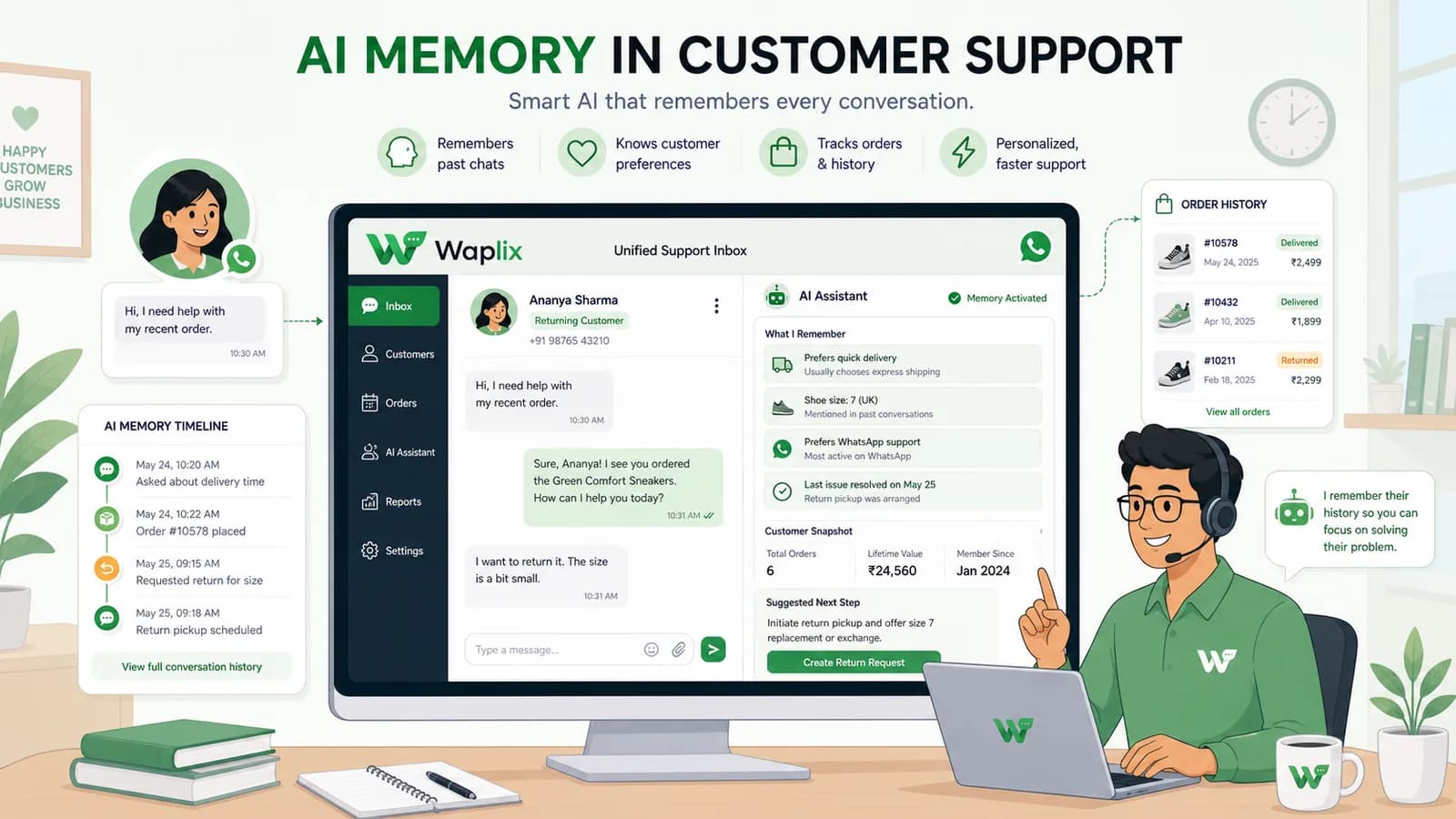
Explore the technology behind AI memory and context retention, learning how session databases personalization results in better, trust-filled client interactions.

Read Article