E-commerce

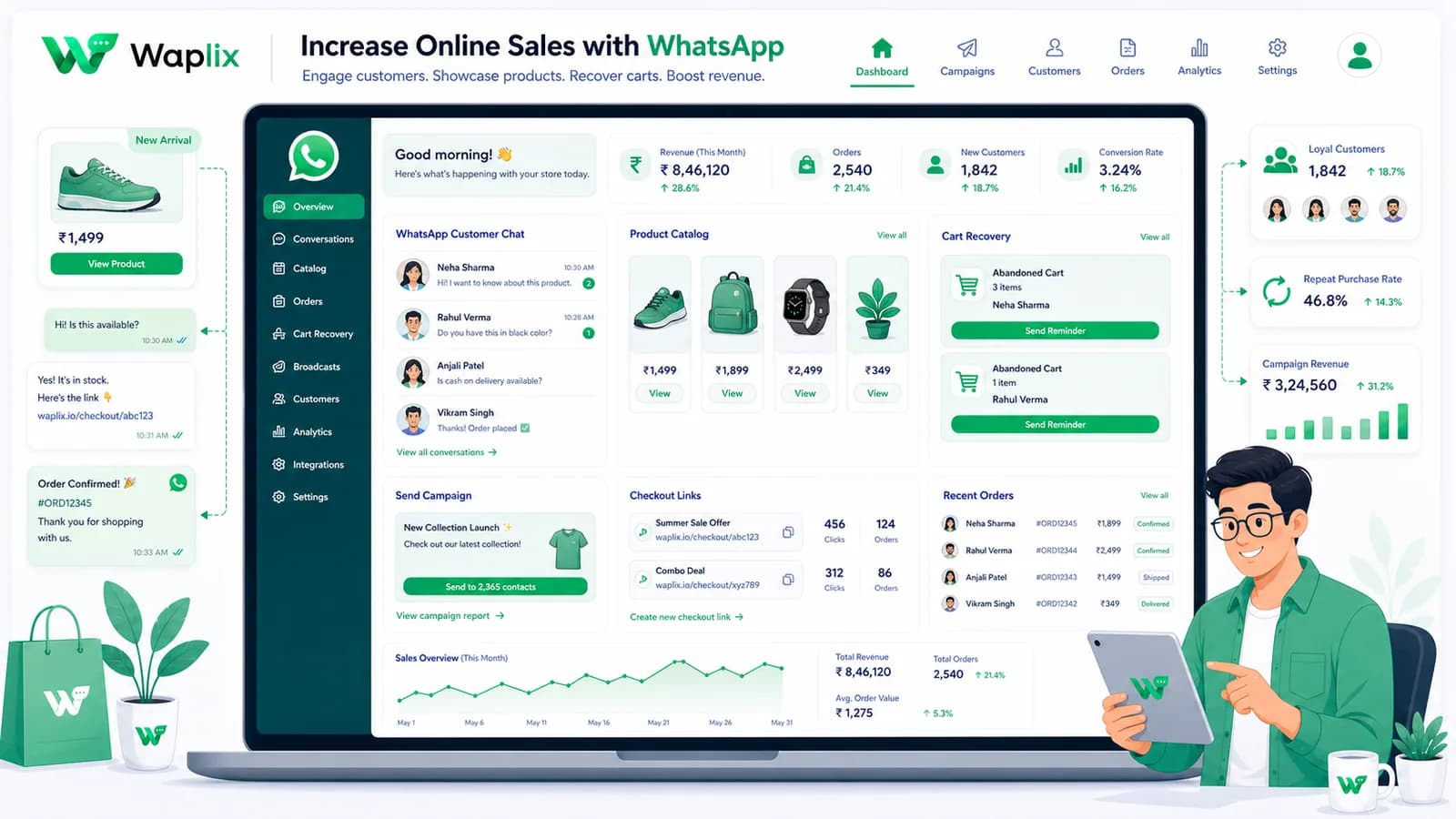
Increase Online Sales with WhatsApp

Static banner ads and promotional emails are struggling under rising costs and falling click rates. Meet customers where they are: in their personal chat feeds with hyper-relevant alerts and custom checkout paths.

Apr 18, 2026 11 min read By Waplix Team
Share:
Increase Online Sales with WhatsApp

Boost Your Conversions with Waplix Marketing

Driving online sales requires constant optimization of conversion touchpoints. When a customer leaves their cart, or signs up for a restock notification, timing is everything. Standard email lists suffer from low engagement, and traditional SMS gets buried. WhatsApp bridges the gap by combining high visibility with rich interaction features.

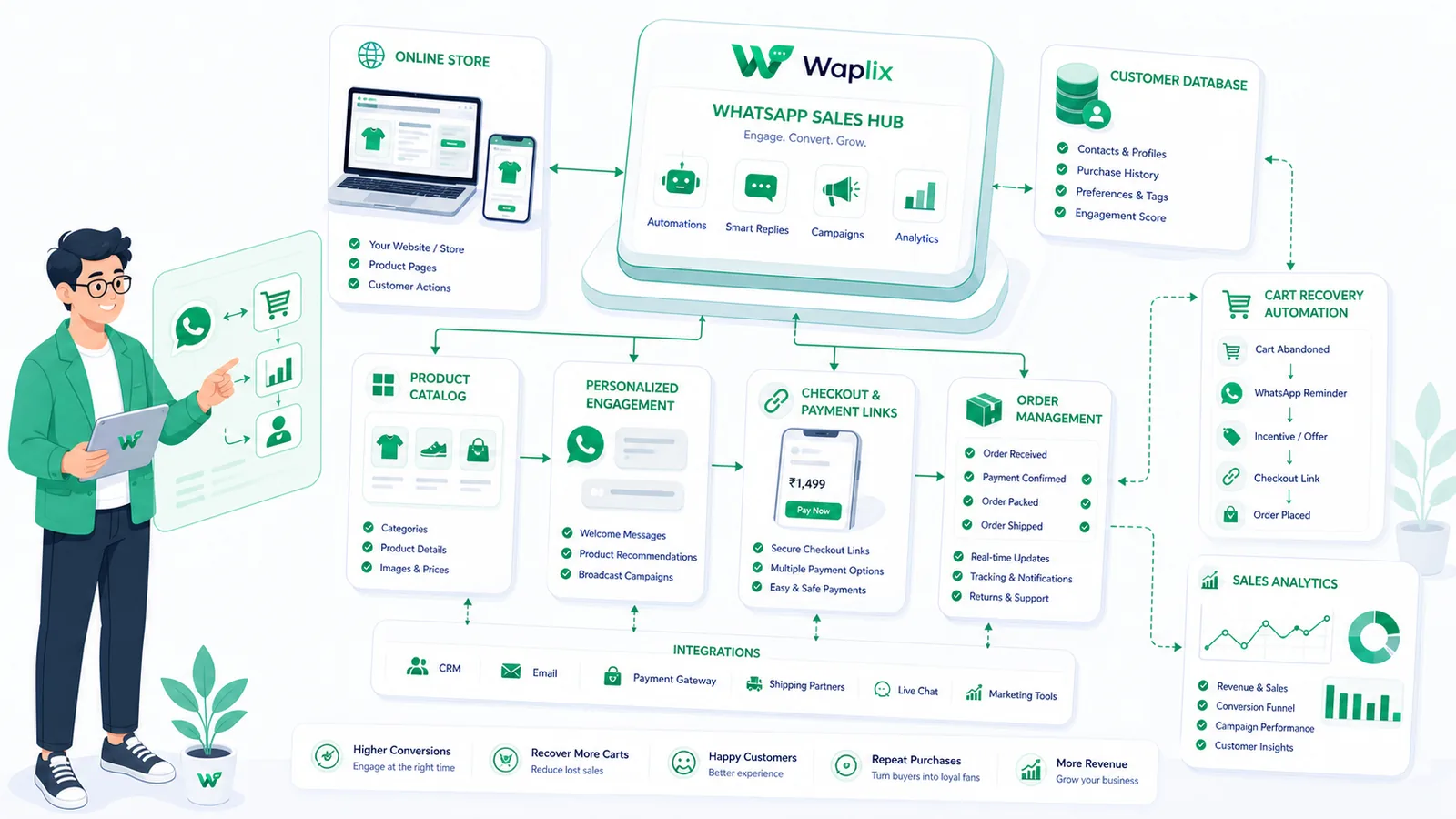
By implementing events such as abandoned cart triggers, stock status webhooks, and targeted discount broadcasts, online retailers are turning conversations directly into revenue. Waplix makes it simple to automate these conversion points safely and effectively.

The strategy: The key to increasing sales on WhatsApp is personalization. Use client transaction details to send highly specific alerts rather than spamming your database.

Configure automated cart recovery, alert lists, and catalog campaigns from one centralized portal.

Create your free Waplix account View Pricing Plans
E-commerce Sales Channel Comparison

Compare how WhatsApp compares against standard promotional channels like Email and Web Banner Ads.

MetricCold Promo EmailWeb Banner AdsWhatsApp Marketing (Waplix)
Average CTR1.5% - 3%0.5% - 1%15% - 30%
Conversion Rate1% - 2%1% - 3%5% - 12%
Opt-Out RateModerateN/ALow (When targeted)
Setup OverheadLowHigh ad spendMedium (API-driven)
Interactive OptionsStatic linksNoneButtons, Catalogs, Quick-Replies

The Conversational Conversion Funnel

Structuring your WhatsApp sales funnel requires identifying the high-impact trigger points in the customer lifecycle.

01

Cart Abandoned

User leaves checkout without completing their purchase event.

02

Wait Period

Wait 60 minutes before firing the trigger to prevent over-messaging.

03

Nudge Sent

Waplix dispatches an approved marketing template with cart item variables.

04

Direct Reply

Customer responds with questions, answered instantly by a support rep or agent.

05

Checkout Complete

Customer buys the item via the direct cart link included in the template.

06

Post-Purchase Upsell

Offer a related accessory 24 hours later with an exclusive coupon code.

Developer Integration: Dispatching a Discount Offer

Developers can use the Waplix API to trigger personalized discounts or product announcements to specific segments.

Waplix Promo API Payload

POST /api/v1/messages/send
Authorization: Bearer YOUR_WAPLIX_TOKEN
Content-Type: application/json

{
  "to": "+14155552671",
  "type": "template",
  "template": {
    "name": "cart_abandonment_discount",
    "language": "en",
    "components": [
      {
        "type": "body",
        "parameters": [
          { "type": "text", "text": "Marcus" },
          { "type": "text", "text": "Premium Leather Boot" },
          { "type": "text", "text": "SAVE15" }
        ]
      },
      {
        "type": "button",
        "sub_type": "url",
        "index": 0,
        "parameters": [
          { "type": "text", "text": "checkout?code=SAVE15" }
        ]
      }
    ]
  }
}

Refer to the API documentation and campaigns documentation for advanced batch template sending guidelines.

Marketing Compliance & Policy Guidelines

WhatsApp strictly monitors marketing quality scores. Protect your phone number from getting restricted by adhering to these guidelines:

  • Opt-In Consent: Never send promotional updates to numbers bought from list brokers.
  • Unsubscribe Buttons: Meta templates should feature quick-reply opt-out buttons (e.g. "Opt-out").
  • Quality Signals: Monitor your template block rates in the Waplix console.
  • Relevance: Tailor your deals. Sending generic discount blasts decreases conversion and raises report rates.

Best Practices for Driving Sales on WhatsApp

Limit Alert Frequency

Avoid sending more than one promotional broadcast a week to a single user profile.

Combine with Live Chat

Ensure agents are ready to assist when users ask sizing questions after a promo launch.

Add Compelling Visuals

Utilize approved rich-media headers displaying clear product graphics in templates.

Track Checkout Parameters

Append tracking codes to checkouts to measure revenue generated by WhatsApp.

Conclusion and Next Steps

Increasing e-commerce sales with WhatsApp requires transitioning from generic blasts to event-triggered, personalized conversations. Using webhooks, segments, and approved templates on Waplix, you can create high-converting shopping loops.

Ready to skyrocket your conversion rates?

Build automated sales campaigns and cart recoveries today with Waplix.

Get Started Free Book a Demo

Frequently Asked Questions

WhatsApp increases online sales by delivering highly visible marketing notifications (like abandoned cart alerts, product recommendations, and VIP discounts) directly to consumer devices, seeing open rates up to 98%.

Yes. When an item is replenished, automated WhatsApp alerts notify waiting customers immediately. The instant delivery and rich product layout result in conversion rates that regularly outperform email.

While industry averages for email cart recovery sit around 2% to 5%, WhatsApp cart recovery routinely achieves recovery rates of 15% to 25%, depending on timing and discount offers.

Yes. Under Meta policies and international privacy regulations (such as TCPA and GDPR), customers must explicitly opt in to receive marketing alerts, newsletters, or sales notifications.

Yes. You can create marketing templates that include dynamic fields for unique checkout links or discount coupon codes, allowing customers to checkout with a single click.

Waplix enables stores to segment audiences based on past buying history, schedule automated triggers, manage approved templates, and analyze conversion performance in real time.

Related Guides & Insights

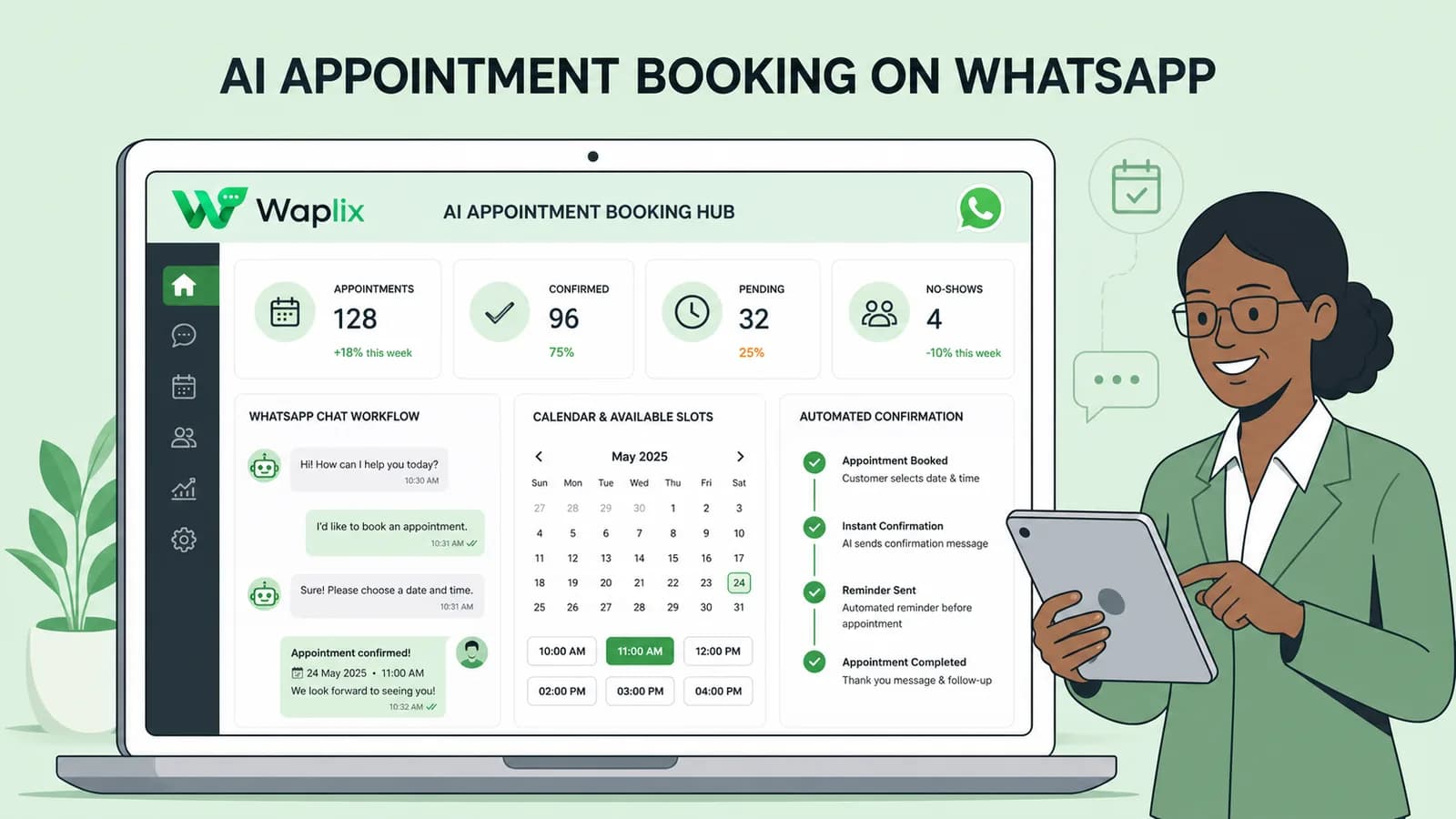
AI Appointment Booking on WhatsApp
AI Agents

AI Appointment Booking on WhatsApp

Learn how to build AI-driven booking systems on WhatsApp, connecting calendar databases to conversational agents, automating updates, and reducing client no-shows.

Read Article
AI Automation for Small Businesses
AI Agents

AI Automation for Small Businesses

Discover practical ways small businesses can leverage no-code AI automation on WhatsApp to manage customer conversations, qualify prospects, and coordinate bookings 24/7.

Read Article
AI Memory in Customer Support
AI Agents

AI Memory in Customer Support

Explore the technology behind AI memory and context retention, learning how session databases personalization results in better, trust-filled client interactions.

Read Article